Notifications
In Semantic Treehouse you can be notified by email notifications when activity occurs on the platform. You can determine on a global or project basis what notifications you want to receive.
Kinds of notifications
The following notifications exist:
Issues
- New issue created
- New reply to issue
- Issue closed or reopened
Review comments
- New review comment created
- New reply to review comment
Settings
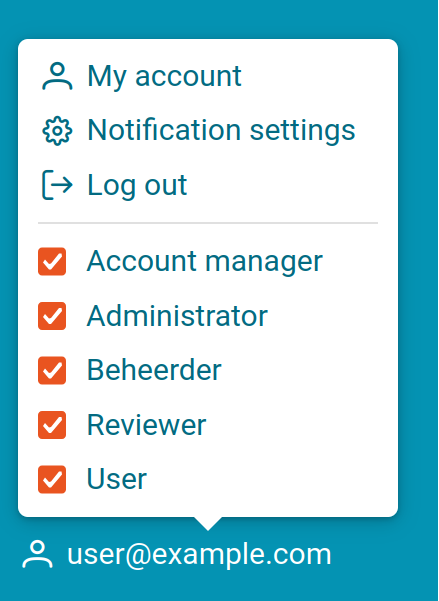
You can configure what notifications you wish to receive, and on what email address, by clicking your account name on the bottom left, then Notification settings.
Configure when to receive notifications
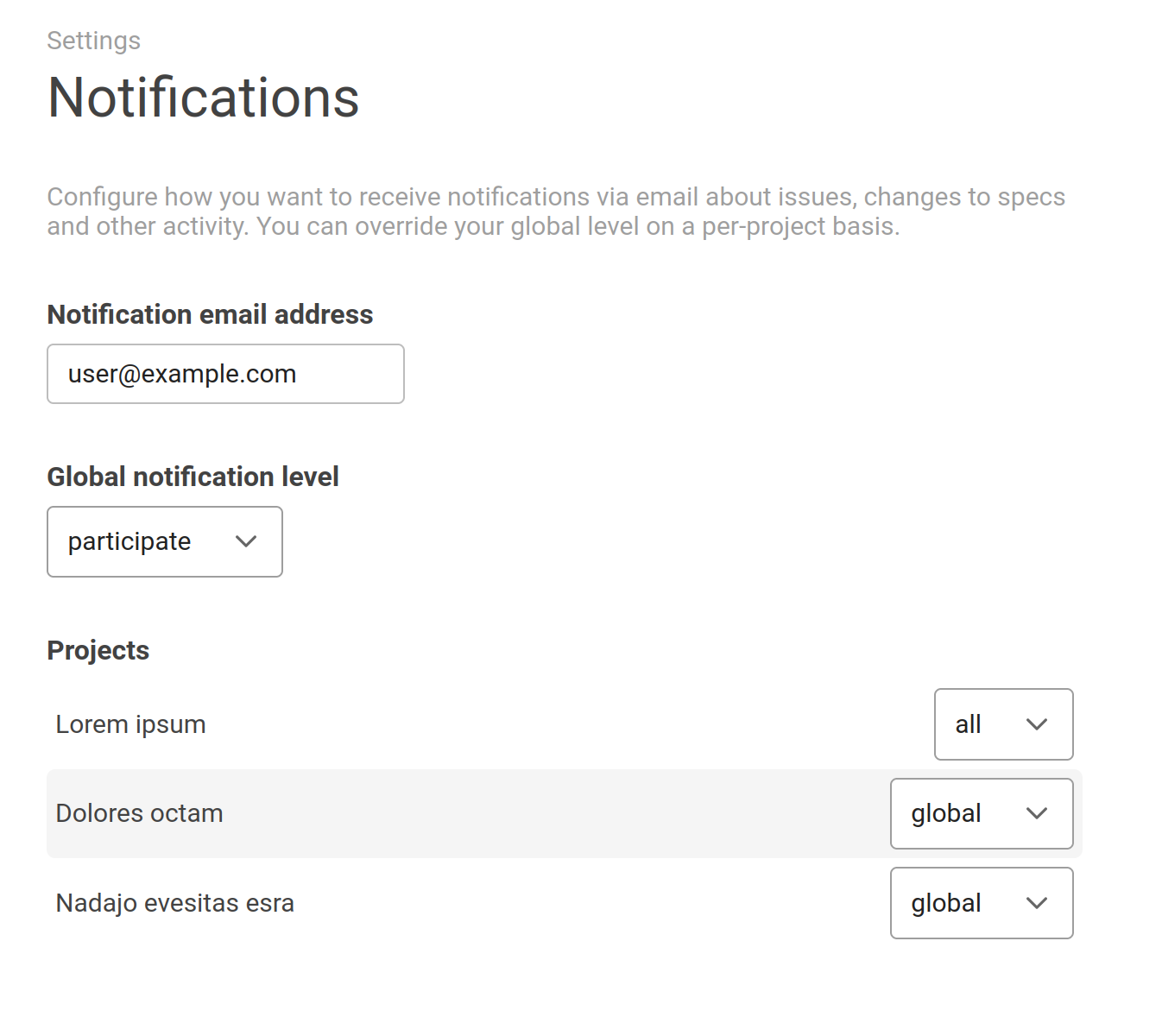
You can configure when you want to receive notifications for the whole site under the global header.
For fine-tuning, this can also be configured on a project-by-project basis. This overrides the global level for that project.
The following options are available:
- Global: Use the global notification level for this project.
- All: Receive a notification for all activity in this project.
- Participate: Only receive notifications for items you are directly involved in.
- Mention: Only receive notifications when you are directly mentioned.
- None: Receive no notifications.
Configure email address to use
On the same screen you can also configure the email address to use for notifications. By default this is the email address you signed up with.
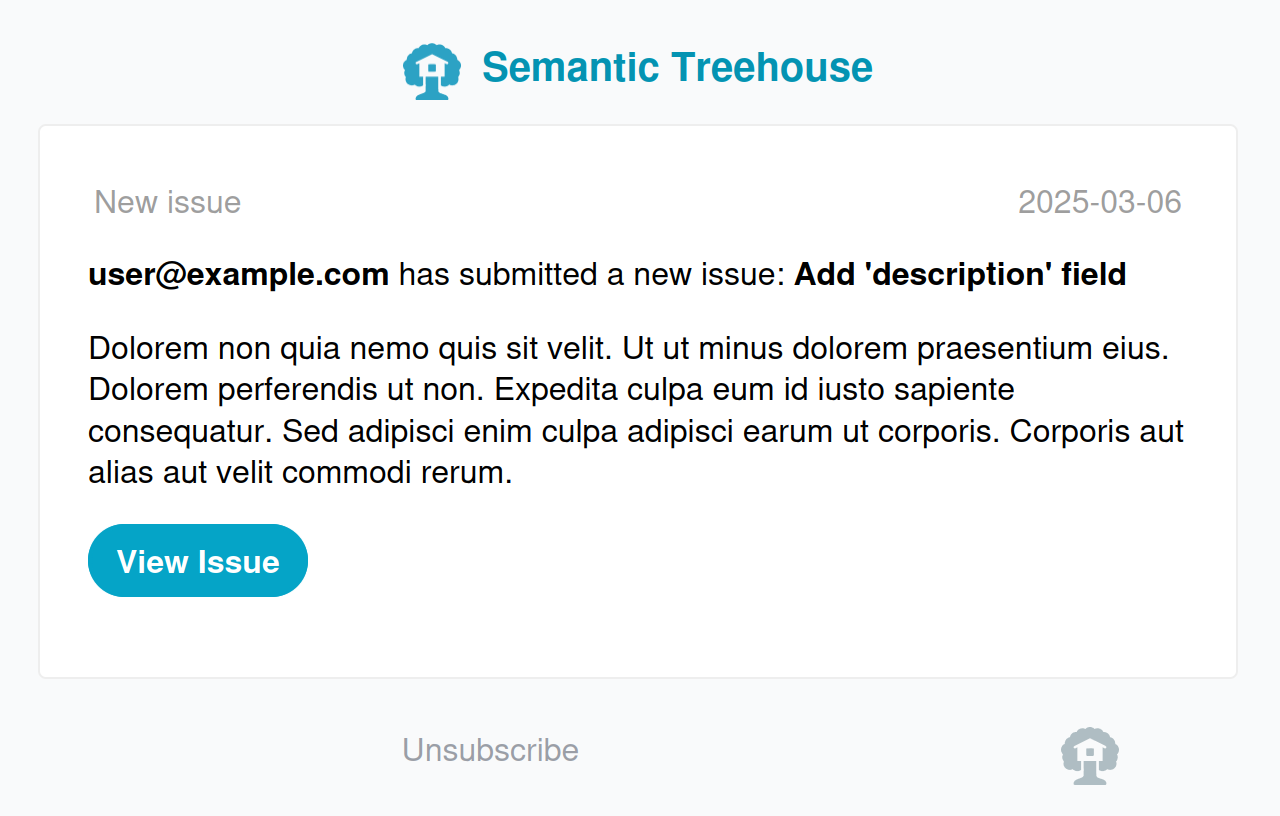
Example notification email
The emails you'll receive will look something like this: